Webhooks
Register an endpoint from Settings, the payload's shape and the ten event types, and verify the signature of every delivery.
Register an endpoint
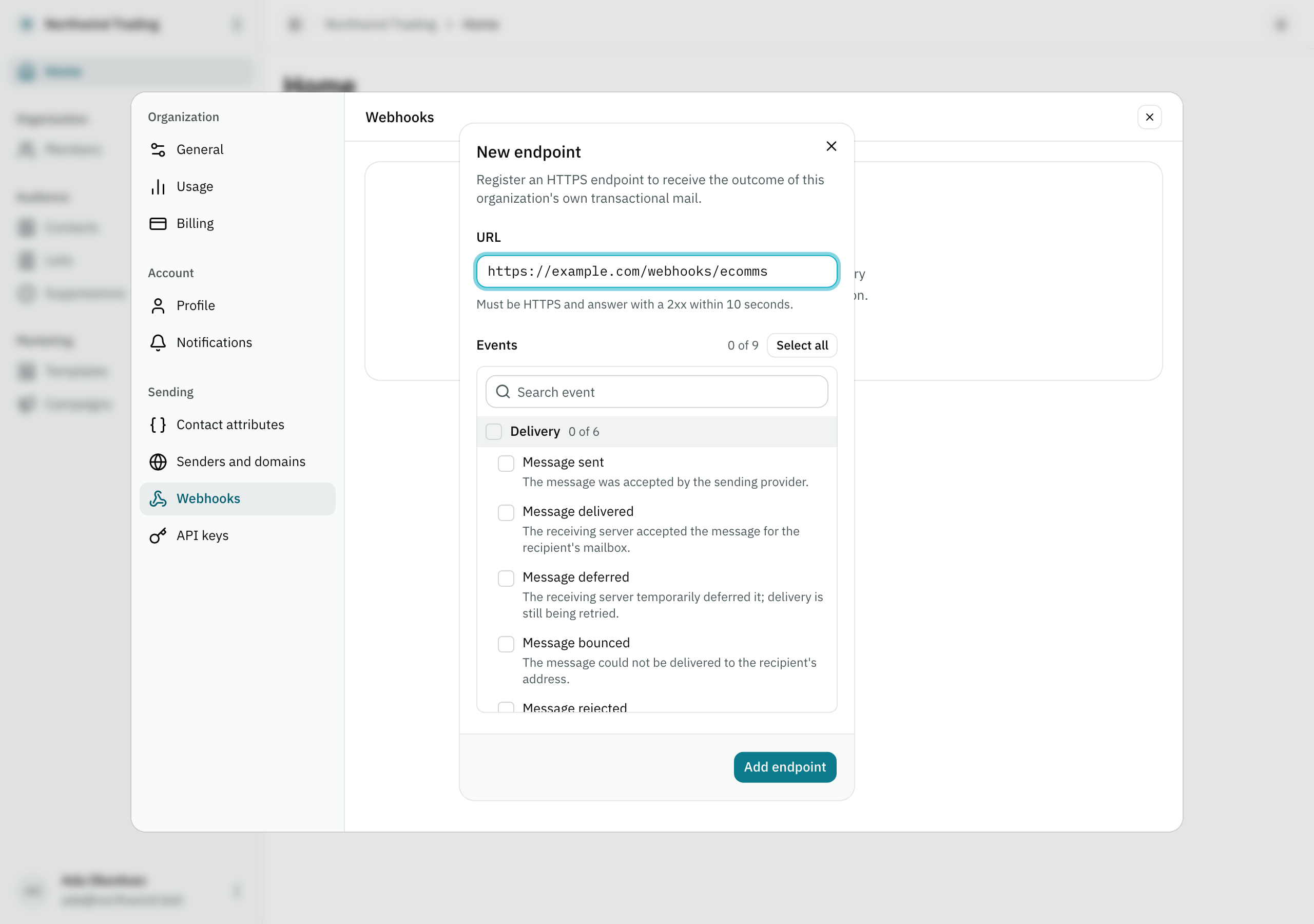
From Settings → Webhooks, Add endpoint opens a dialog asking for a URL and which of the ten event types to subscribe to — the picker starts empty, the same least-privilege default an API key’s own permissions start from:
On creation, the panel shows you the signing secret exactly once — the same guarantee an API key carries: it is stored in no column at all, so if you lose it, the only way to see it again is to rotate it, which also invalidates the previous one. Closing without copying it asks you to confirm, since there is no way back to this screen afterward.
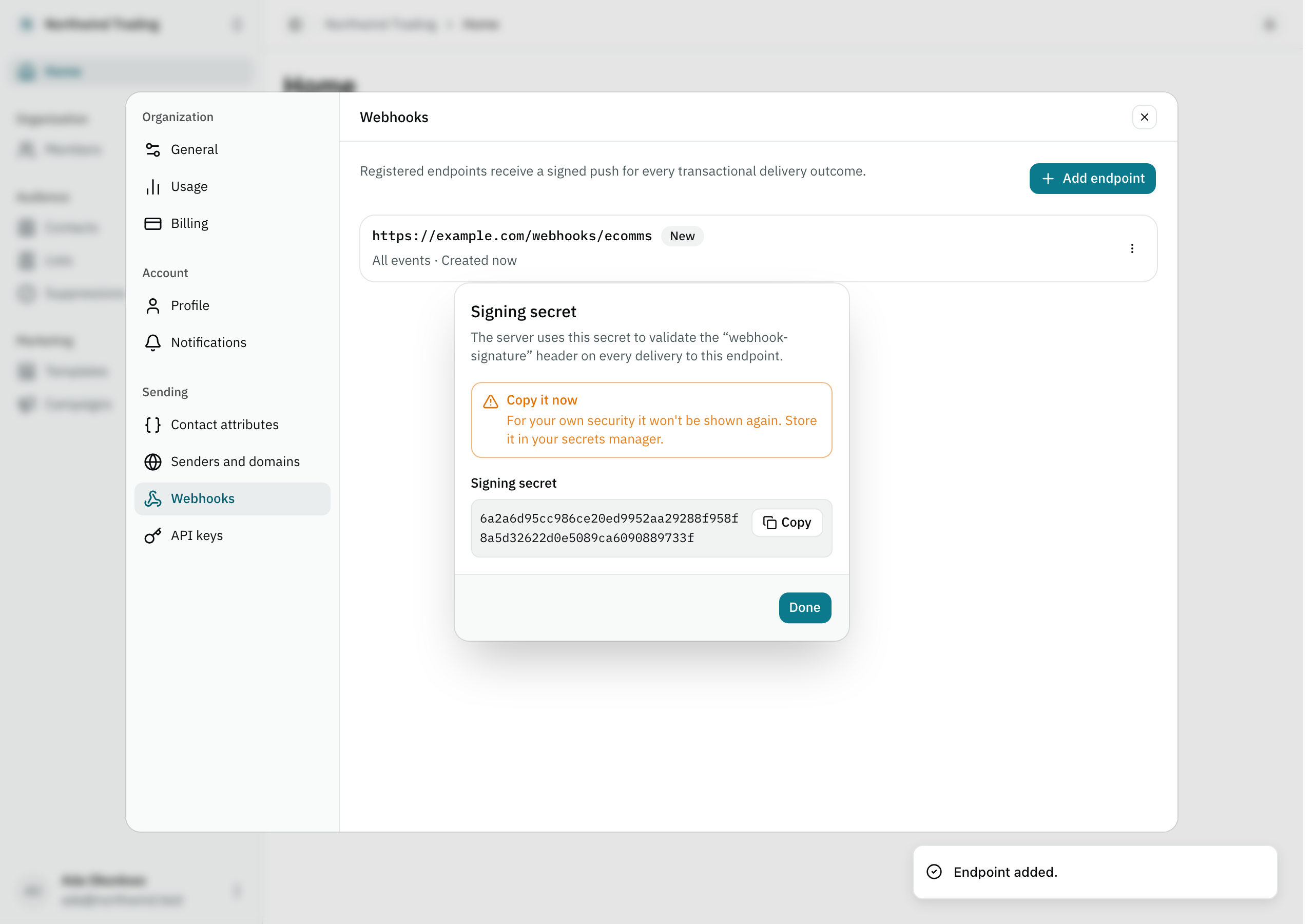
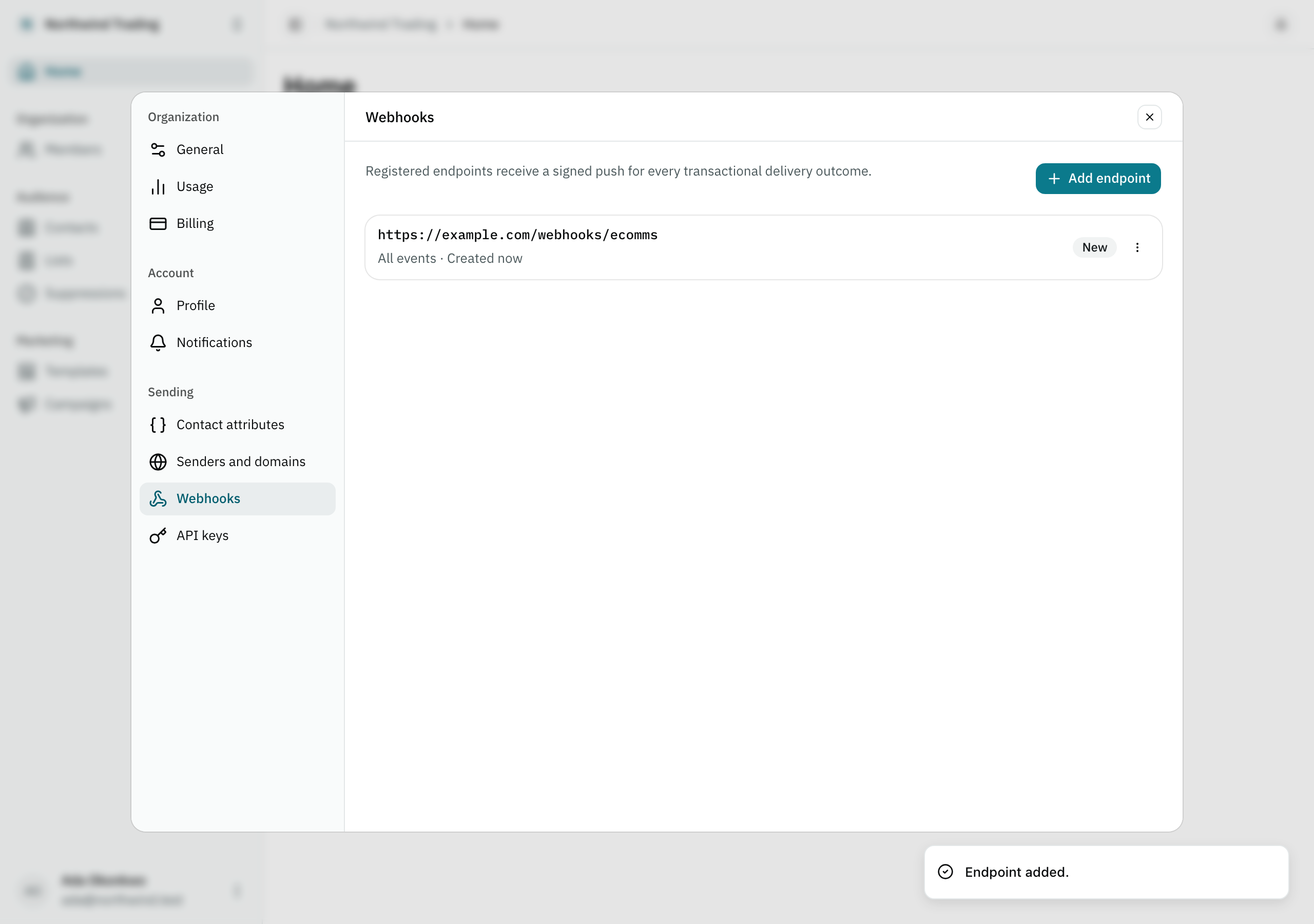
Copy it right then. Afterward, the panel lists the endpoint alongside any others this organization has registered, flagged only when something needs attention — failing or paused, never a plain “active” badge on a healthy one — with a menu to view its deliveries, edit its URL or events, pause or resume it, or remove it. Rotating the secret lives one level in, on the endpoint’s own detail screen, opened from its row:
Verify the signature
Every delivery arrives as a POST with this header:
webhook-signature: v1=<hex signature>The signature is HMAC-SHA256(secret, body), computed over the exact bytes of the body — not
over your own re-serialized version of the JSON, which may not match what we sent byte for
byte. Verify it against the raw body, before parsing it:
import { createHmac, timingSafeEqual } from "node:crypto"

function isValidSignature(rawBody, header, secret) {
  const [scheme, signature] = header.split("=")
  if (scheme !== "v1" || signature === undefined) return false

  const expected = createHmac("sha256", secret).update(rawBody).digest("hex")

  return (
    expected.length === signature.length &&
    timingSafeEqual(Buffer.from(expected), Buffer.from(signature))
  )
}
v1= is the signature’s own scheme, not an arbitrary separator — it leaves room to introduce
a second scheme later without breaking anyone already parsing this one.
Compare with timingSafeEqual, never with ===. An ordinary string comparison stops at
the first character that does not match, and that timing difference is information — enough
for someone to reconstruct the correct signature one character at a time, probing against your
own endpoint.
Payload shape
Every delivery sends this same envelope, frozen at the moment the event happened — never recomputed afterward:
{
  "id": "01a0ba31-3fe4-7cc4-a1c6-64bdaaa5d99c",
  "type": "message.delivered",
  "createdAt": "2026-09-19T12:00:04Z",
  "data": {
    "messageId": "01a0ba31-4a15-7c9a-9b3d-3f1e6c2b7a44",
    "address": "ana@example.com",
    "status": "sent",
    "deliveryStatus": "delivered",
    "occurredAt": "2026-09-19T12:00:03Z",
    "bounceType": "Permanent"
  }
}
Response attributes
idstringRequiredThis event's own id, distinct from the send that produced it.
typestringRequiredOne of the ten types in the table below.
createdAtstringRequiredWhen the event happened, frozen at that moment.
dataobjectRequiredThe send this event is about, and the state it left it in.
Show 6 propertiesHide 6 properties
messageIdstringRequiredThe same key POST /v1/email returned and the one GET /v1/email/:messageId accepts — it is what correlates an event with the send that produced it.
addressstringRequiredThat same send's own addressee.
statusstringRequiredThe same field GET /v1/email/:messageId returns.
deliveryStatusstring | nullRequiredThe same field GET /v1/email/:messageId returns. null on the events that do not move it.
occurredAtstringRequiredWhen the provider itself recorded this event.
bounceTypestring | nullRequiredOnly appears on message.bounced and message.soft_bounced, and it is the provider's own vocabulary (Permanent, Transient, Undetermined), not our closed enum. null on every other type.
The message’s own content and the provider’s internal id never travel in the payload — neither is ours to hand to an endpoint that may be misconfigured.
The ten types
status and deliveryStatus are the same fields GET /v1/email/:messageId returns — a
webhook is the other way to learn the same two values, without having to ask.
| Type | When it fires |
|---|---|
message.sent |
The send attempt itself succeeded: the provider accepted the message. status moves to sent. |
message.failed |
The send attempt itself failed, before ever reaching the provider. status moves to failed — this branch never reaches the deliveryStatus ladder. |
message.deferred |
The provider delayed delivery temporarily. deliveryStatus moves to deferred. |
message.delivered |
The receiving server accepted the message. deliveryStatus moves to delivered. |
message.rejected |
The provider rejected it outright, before ever attempting delivery. deliveryStatus moves to rejected. |
message.bounced |
The receiving server bounced it permanently (data.bounceType is Permanent). deliveryStatus moves to bounced, and the address is suppressed. |
message.soft_bounced |
The receiving server bounced it temporarily — an out-of-office reply, a full mailbox — with data.bounceType set to Transient or Undetermined. It does not move deliveryStatus and suppresses nothing. A message that bounces softly several times fires this once per bounce event. |
message.complained |
The recipient marked it as spam. deliveryStatus moves to complained. |
message.opened |
The message was opened. An engagement event: it does not move deliveryStatus. |
message.clicked |
A tracked link was clicked. Also engagement, and it does not move deliveryStatus either. |
deliveryStatus is a ladder that never moves backward. A complaint that arrives days after
a delivery still wins, regardless of whose own event timestamp is later — which is why a
message.complained can arrive after a message.delivered for the same message, and that is
correct.