Authentication
Create an API key from the Settings panel, understand the token's own shape, and use it to authenticate your calls to /v1.
Create a key
API keys are managed per organization, from Settings → API keys. Each one carries its own set of permissions — today, two can be granted — so it can only do what it was granted to do:
- Send messages (
messages:send) allows sending transactional email withPOST /v1/email. - Read messages (
messages:read) allows retrieving a send and its delivery status withGET /v1/email/:messageId.
A key that will both send and retrieve needs both. Every organization has a cap on how many keys can be active at once; the panel shows how many it has used.
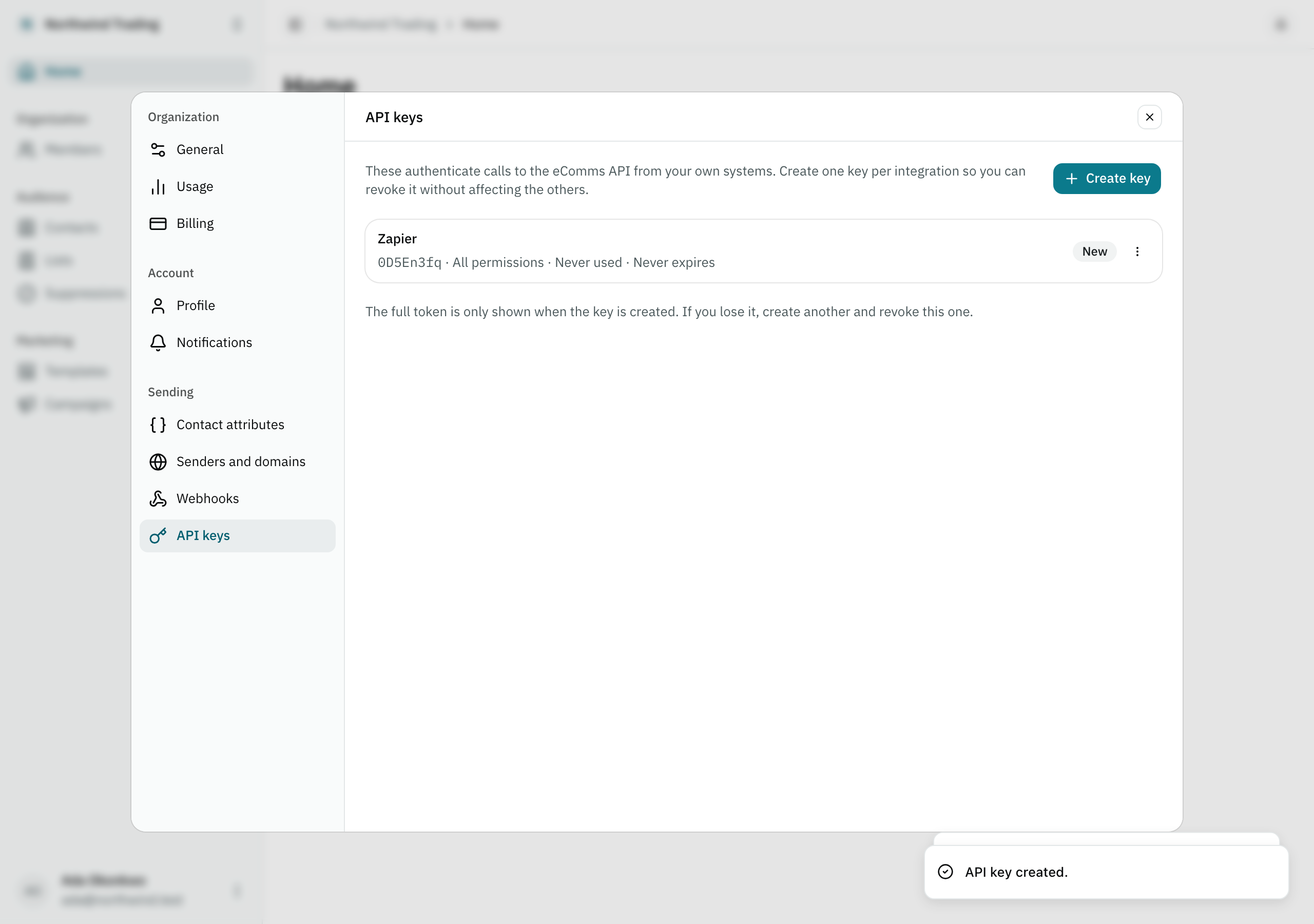
Creating a key asks for a name — the name is for you, it never travels with the key — which permissions it carries, and an optional expiration (30, 90 or 180 days, or a year; the default is never). The Create key button then shows the token exactly once:
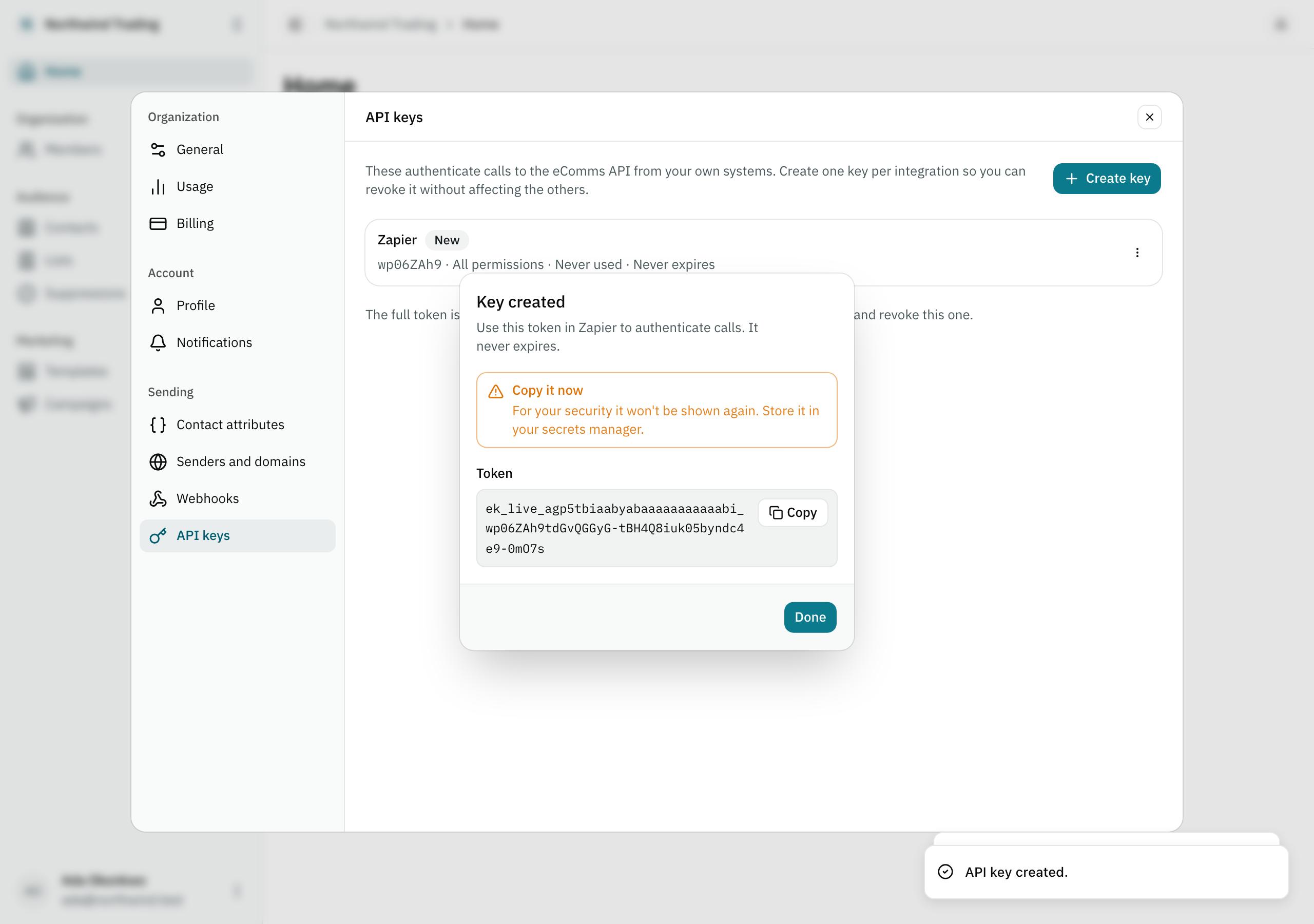
Copy it right then. There is no second view: the key’s own row stores only its hash, so if you lose it, your only option is to revoke that key and create a new one.
The token’s own shape
ek_live_<organization id, base32>_<secret>The second segment names an environment — always live today, the only one the product
issues. test exists in the schema as a reserved place for a future sandbox mode, but it is
not something you can choose yet: every key you create today is a live key.
Authenticate your call
Every /v1 route reads the organization from the key itself, in the Authorization header:
Authorization: Bearer ek_live_<your-key>A token that matches no active key — mistyped or already revoked — answers unauthorized, with
the same error envelope as the rest of the API. A key past its own
expiration answers api_key_expired instead — a key stays revocable and visible in the panel
after it expires, it just stops authenticating. GET /v1/me
is the simplest way to confirm a key works — it costs no quota and needs nothing beyond the
header above.
Revoke a key
From the same panel, a key’s own menu offers Revoke. It asks you to type the key’s name to confirm — the same friction as deleting an organization — because what this screen cannot show you is what in production depends on it. Revocation is immediate and has no undo: anything still presenting that key stops working on its very next call.